Progress bar
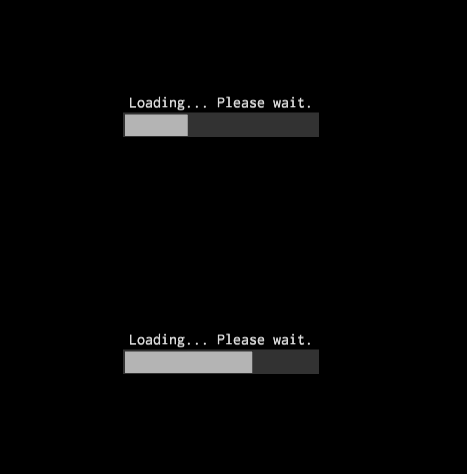
Progress bar is used to show a bar that fills in from left to right according to the progress value. It is used to show progress for long actions.
Example
#![allow(unused)]
fn main() {
fn create_progress_bar(ctx: &mut BuildContext) -> Handle<ProgressBar> {
    ProgressBarBuilder::new(WidgetBuilder::new())
        // Keep mind, that the progress is "normalized", which means that it is defined on
        // [0..1] range, where 0 - no progress at all, 1 - maximum progress.
        .with_progress(0.25)
        .build(ctx)
}
}
Style
It is possible to specify custom indicator (the part that show the progress) and the back of
the progress bar. Use ProgressBarBuilder::with_indicator and ProgressBarBuilder::with_body
methods respectively. These methods can accept any widget, but usually it i a
crate::border::Border, crate::image::Image, crate::nine_patch::NinePatch widgets.
Changing progress
To change progress of a progress bar all you need is to send ProgressBarMessage::Progress to it:
#![allow(unused)]
fn main() {
fn change_progress(progress_bar: Handle<UiNode>, ui: &UserInterface) {
    ui.send(progress_bar, ProgressBarMessage::Progress(0.33));
}
}