Rect editor
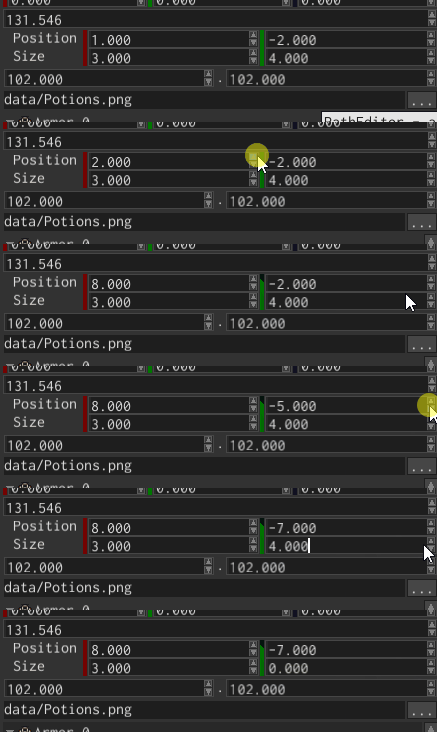
Rect editor widget is used to show and edit Rect values. It shows four numeric fields: two for the top left corner
of a rect, two for its size.
Example
Rect editor can be created using RectEditorBuilder, like so:
#![allow(unused)]
fn main() {
fn create_rect_editor(ctx: &mut BuildContext) -> Handle<RectEditor<u32>> {
    RectEditorBuilder::new(WidgetBuilder::new())
        .with_value(Rect::new(0, 0, 10, 20))
        .build(ctx)
}
}
Value
To change the value of a rect editor, use RectEditorMessage::Value message:
#![allow(unused)]
fn main() {
fn change_value(rect_editor: Handle<UiNode>, ui: &UserInterface) {
    ui.send(
        rect_editor,
        RectEditorMessage::Value(Rect::new(20, 20, 60, 80)),
    );
}
}
To “catch” the moment when the value of a rect editor has changed, listen to the same message, but check its direction:
#![allow(unused)]
fn main() {
fn fetch_value(rect_editor: Handle<UiNode>, message: &UiMessage) {
    if let Some(RectEditorMessage::Value(value)) = message.data::<RectEditorMessage<u32>>() {
        if message.destination() == rect_editor
            && message.direction() == MessageDirection::FromWidget
        {
            println!("The new value is: {:?}", value)
        }
    }
}
}